
Code, review, and manage databases at the speed of thought.
You do not need a 2 GB IDE to write and review SQL. Get a lightweight visual editor that starts fast, stays focused, and gives your team direct control over query review, schema changes, and backups.
Tools that speed up your work
A visual SQL editor built for practical developers and DBAs
Set up shortcuts, snippets, SSH tunnels, and export presets with help from Nick's Tools, then move from review to delivery without the friction of heavier database IDEs.
Visual query builder
Create and inspect joins with a drag-and-drop flow that keeps review sessions clear and fast.
Schema comparison
Compare two environments, isolate differences, and prepare safer schema changes with fewer surprises.
Backup and restore
Use compression, naming patterns, and scheduled routines to keep database backups easy to verify and repeat.
Keyboard shortcuts
Tune the interface to your habits with shortcuts and snippets that reduce repetitive SQL review tasks.
SSH tunnel manager
Connect securely to remote servers while keeping deployment and support work streamlined.
Import and export wizards
Move CSV, XML, and JSON data with guided workflows and controlled filtering.
Visual schema management
Make schema changes without losing control of the script
When your team needs to alter tables, preview diffs, or prepare migration scripts, HeidiSQL keeps the process visible. Nick's Tools helps you configure the tools around the way you already work, so changes stay understandable from first edit to final rollout.
-
Change preview scriptsReview the exact SQL before you run it.
-
Database diff workflowCompare schema versions and generate migration steps.
-
Foreign key visibilityKeep relational dependencies easy to inspect.
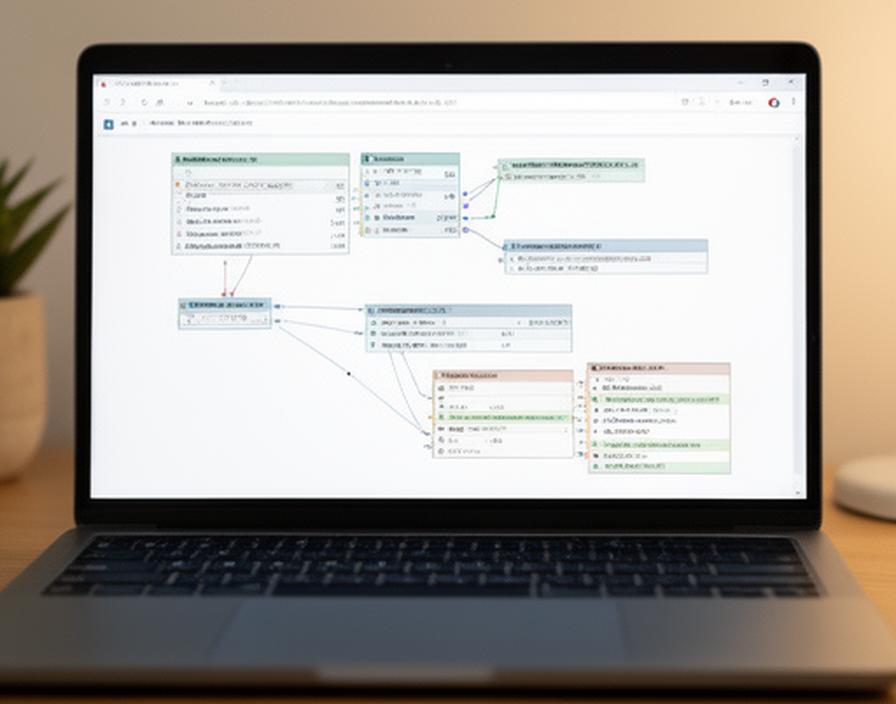
Backup and restore emphasis
Backup routines that fit real operations
From one-click dumps to compression settings and restore planning, the workflow stays direct. If your team uses cloud storage or binary logs, we can help you configure the supporting scripts and verification steps.
Point-in-time recovery
Plan restores with more confidence when binary logs are part of the process.
Compressed dumps
Reduce storage overhead while preserving the export structure you rely on.
Naming conventions
Keep backups organized with predictable labels and retention habits.
Setup scripts
Add cloud handoff steps and other operational extras when needed.
What developers say
A focused tool that earns trust quickly
Dev and DBA questions
Straight answers for technical teams
Support that stays local
Bring in Nick's Tools when the setup needs a real person
We help with sales, installation, connection settings, shortcut tuning, SSH access, and practical support for teams that want a dependable HeidiSQL workflow without unnecessary overhead.
Power up your development workflow
Need a cleaner SQL review stack for the team?
Schedule a pairing session with Nick's Tools and leave with a tuned HeidiSQL setup, practical snippets, and a calmer path from query review to schema change.